Talk to an ergo expert: (888) 420-3200 or Email Us

SAA7000KIT
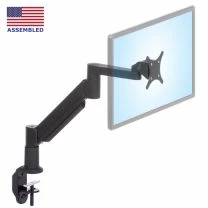
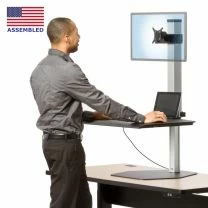
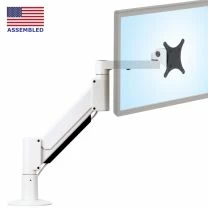
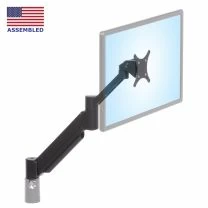
THIS LCD ARM IS AN EXCELLENT SOLUTION FOR MOST COMPUTER WORK ENVIRONMENTS
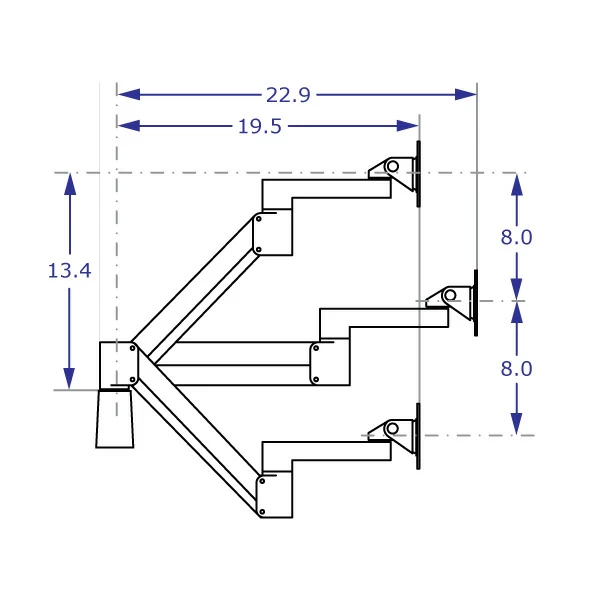
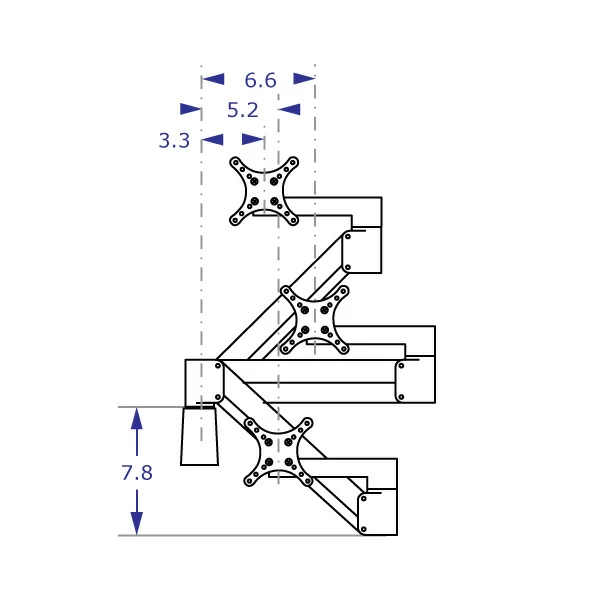
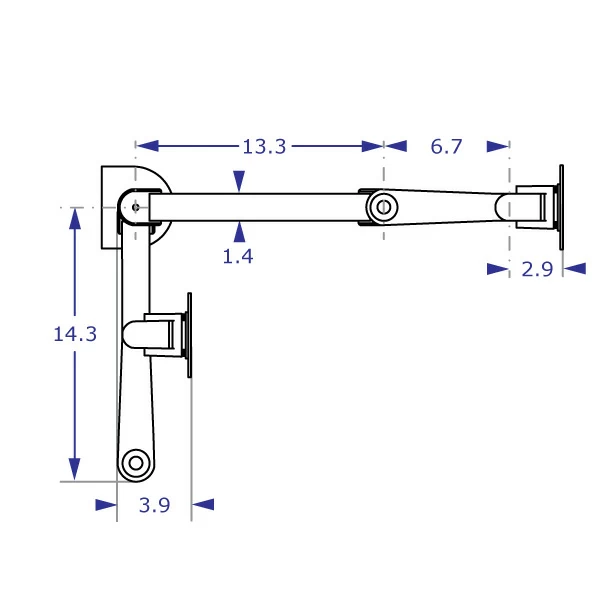
- Monitor arm reaches out 22.9" and folds up into 3.9"
- Includes LCD monitor rotation from landscape to portrait
- Effortlessly Float LCD/LED monitors weighing 5 to 28 pounds
- Floats your LCD with 16 inches of vertical travel
- Attaches easily to tables & desks up to 2.5 inches thick
- LCD Arm even configures to 3/8" bolt hole attachment
- Kit A is adaptable and clamps to desk or mounts to wall
- Compatible with our 192 Pole Floor Mount Systems
- Effortlessly tilt the display back past 90° or down 45°
- Black is a SAA7000 quick-ship color
- VESA 75 x 75mm and 100 x 100mm compliant
- Optional VESA 100 x 200mm available
- Cable management controls cords
- Please watch the YouTube Video for monitor arm installation tips and adjustment instructions
Our high-performance VESA-compliant LCD Arm handles your LCD monitors and touch screen monitors with ease. It is finely engineered and constructed from diecast and finely machined powder coated aluminum components. Assemble it in mere minutes and then never twist a knob or push a lever; this LCD Monitor Arm simply floats your LCD monitor from one position to another without effort. Move the flat screen virtually anywhere in an area 16" high x 20" deep x 38" wide. Customers planning to use this arm in conjunction with lateral extensions should select the "No Mount Kit" option on this page and purchase the Flexible Mounting Kit C separately.
We have heavily discounted our remaining inventory of the SAA7000 in a recently discontinued Light Gray color. Visit our special offer page for more information.
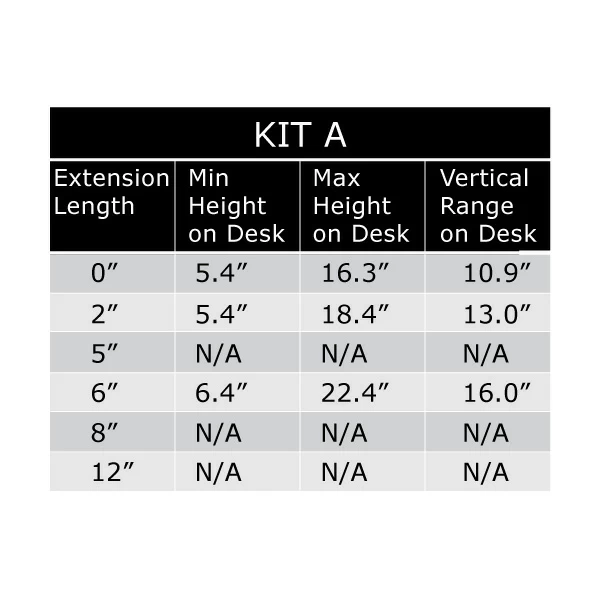
The purchasing options on this page provide a great deal of flexibility in configuring your product. Please be aware that Mount Kit A is incompatible with the Heavy-Duty extensions and the 5", 8", and 12" vertical extensions.
| Shipping Weight | 12 pounds |
| Shipping Dimensions | 23" x 14" x 4" |
| Warranty | 5 year limited |
Standard delivery time on the SAA7000 LCD Arm is 3 to 7 business days. Please order before 12 noon CST for next day delivery. Black is a guaranteed Quick Ship color. Quick Ship guaranteed in black with 9.5 to 21 pounds LCD weight rating.
If your LCD or panel PC weighs more than 20 pounds OR you want more vertical travel or longer reach, check out our Heavy-Duty LCD Arms.
INSTALLING AND ADJUSTING YOUR SAA ARM:
Professional installation is always recommended for all wall-mounted Ergomart products. Improper installation may result in injury or damage. Consult Ergomart technical support regarding any mounting questions or concerns.
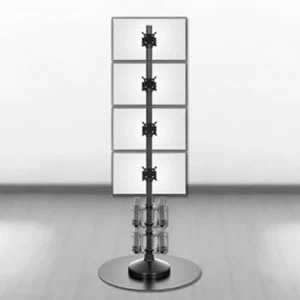
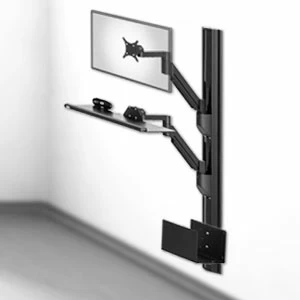
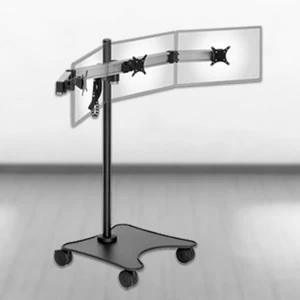
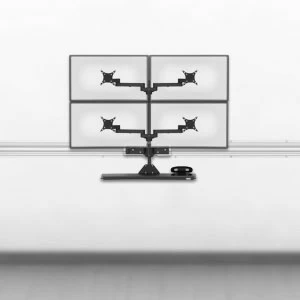
|
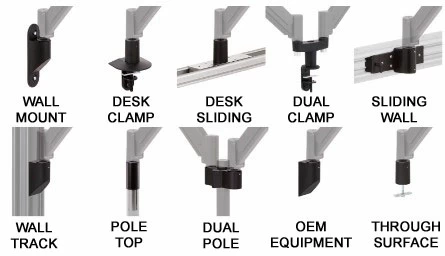
The SAA7000 belongs to the SERIES-118 family of products, which offers a great deal of flexibility in configuring your product using a variety of mounting points with optional vertical or horizontal extensions and other accessories. Please be aware that Mount Kit A and the 2" and 6" Vertical Extensions are not compatible with all components. You may consult the table below to determine the compatibility of various components.
| Category | Mount Kits | Vertical Extensions |
Heavy Duty Horizontal Extensions |
||||
| Category | Does product below fit into product to the right? |
Mount Kit A |
Mount Kit C |
All Other Mount Kits |
2" 6" |
5" 8" 12" |
4.5", 9.5" and 15.5" |
| Monitor Arm | SAA7000 | Y | Y | Y | Y | Y | Y |
| Vertical Extensions |
2" and 6" | Y | Y | Y | Y | Y | Y |
| 5", 8", and 12" | - | Y | Y | - | Y | Y | |
| Heavy Duty Horizontal Extensions |
4.5", 9.5", and 15.5" | - | Y | Y | - | Y | Y |
Professional installation is always recommended for all wall-mounted Ergomart products. Improper installation may result in injury or damage. Consult Ergomart technical support regarding any mounting concerns or questions.
The measurements in these drawings are relative to a generic mounting kit into which the arm is installed: the horizontal measurements are relative to the center of the mounting pin, while the vertical measurements are relative to the top of the mounting kit. As you configure your mounting solution, please refer to the specifications of the individual mounting kits to determine the reach and adjustment range within your workspace.
SAA7000 - VERTICAL REACH
SAA7000 - FOLDED SIDE VIEW
SAA7000 - DESK MOUNTED HORIZONTAL REACH
SAA7000 - DESK MOUNTED MIN HEIGHT
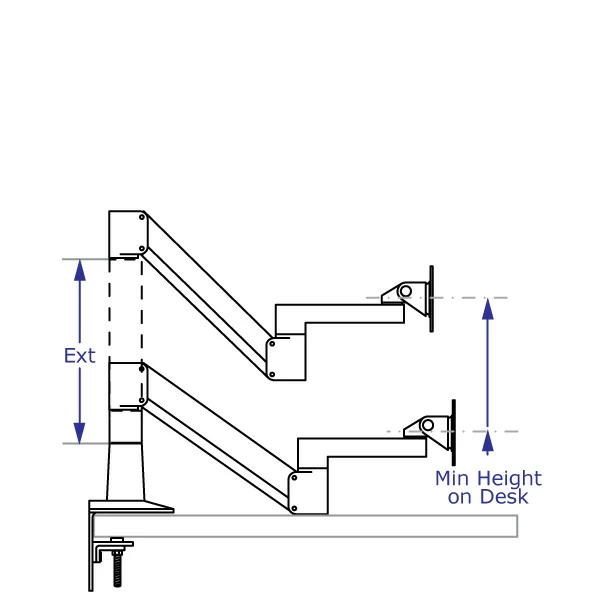
SAA7000 - DESK MOUNTED MAX HEIGHT
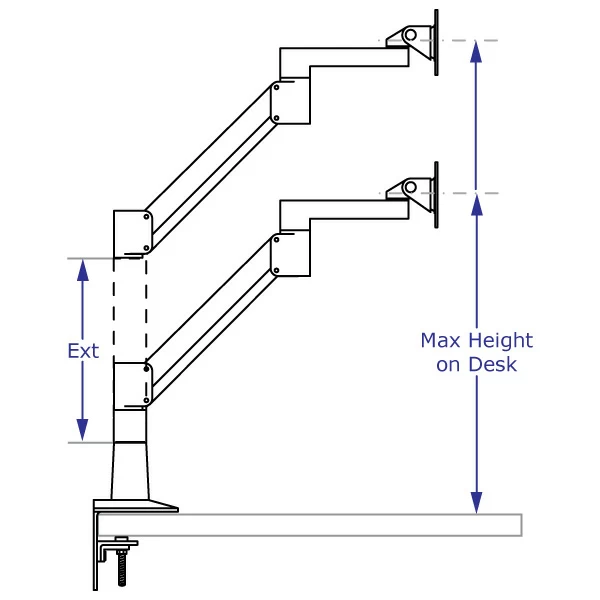
SAA7000 - VERTICAL EXTENSION TABLE
MOUNT KIT A
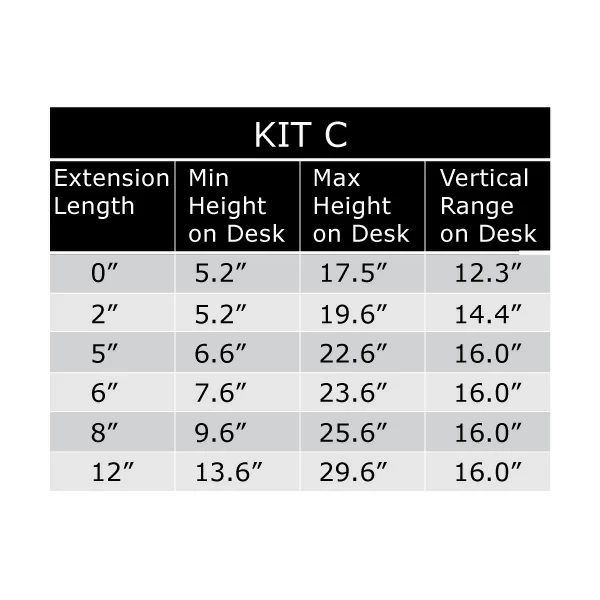
SAA7000 - VERTICAL EXTENSION TABLE
MOUNT KIT C
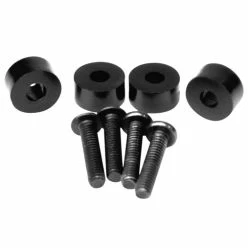
This VESA 1/4-Inch Spacer Kit allows monitors with VESA hole locations that are recessed by 1/4" or less to be attached to an Ergomart VESA plate.
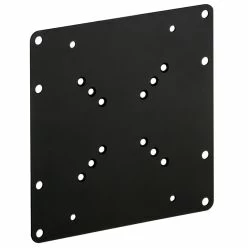
This large VESA bracket is intended for mounting a monitor or TV with a 200x200 mm, 100x200 mm, or 120x180 mm hole pattern. The central hole patterns are 50x50 mm, 75x75 mm, and 100x100 mm, enabling this bracket to attach to the mounting location (e.g. an Ergomart Tilter Head or a Pole Clamp Mount) using a VESA 75/100 adaptor.
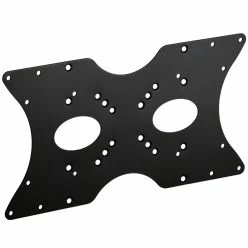
The large 200x400 mm VESA adaptor plate supports 50 mm, 75 mm, 100 mm and 200 mm square patterns, as well as 100x200 mm, 120x180 mm, 200x300 mm and 200x400 mm rectangular patterns. In some cases an additional 75 or 100 mm VESA adaptor is needed to interface the 200 x 400 mm VESA plate to the mounting location.
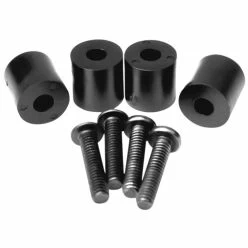
This VESA 1/2-Inch Spacer Kit allows monitors with VESA hole locations that are recessed by 1/2" or less to be attached to an Ergomart VESA plate.
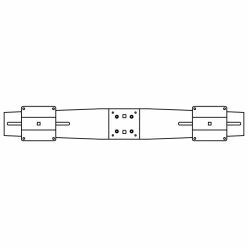
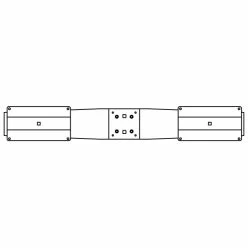
ADJ1430-VSL1
Large adjustable dual monitor bracket for two monitors each measuring up to 30 inches in width and with 100x100 mm VESA hole patterns.
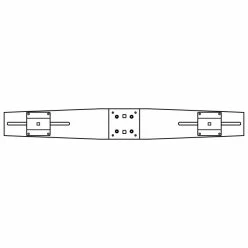
ADJ1430-VSL12
Large adjustable dual monitor bracket for two monitors each measuring up to 30 inches in width and with 100x200 mm VESA hole patterns.
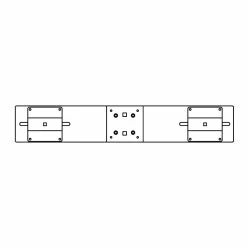
ADJ1430-VSL75
Large adjustable dual monitor bracket for two monitors each measuring up to 30 inches in width and with 75x75mm VESA hole patterns.
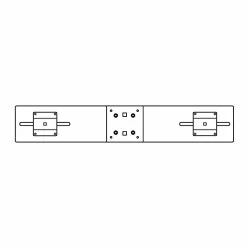
ADJ1523-VSL1
Mid-size adjustable dual monitor bracket for two monitors each measuring up to 23 inches in width and with 100x100 mm VESA hole patterns.
ADJ1523-VSL75
Mid-size adjustable dual monitor bracket for two monitors each measuring up to 23 inches in width and with 75x75 mm VESA hole patterns.

-
 MODULAR SERIES-118 SAA2718 Premium Monitor Arm
From $308.08
-
 MODULAR SERIES-118 SAA2415 Heavy-Duty Monitor Arm
From $434.55
-
 MODULAR SERIES-118 SAA179 Ergonomic Monitor Arm
From $256.19
-
 MODULAR SERIES-118 SAA2010 Compact Monitor Arm
From $216.10
-
 MODULAR SERIES-118 SAA2045 Adjustable Monitor Arm
From $256.19