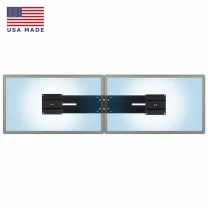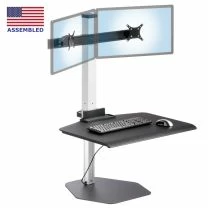
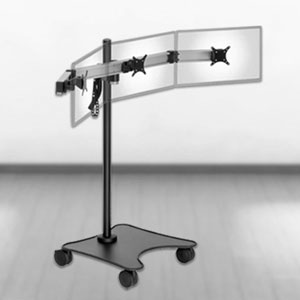
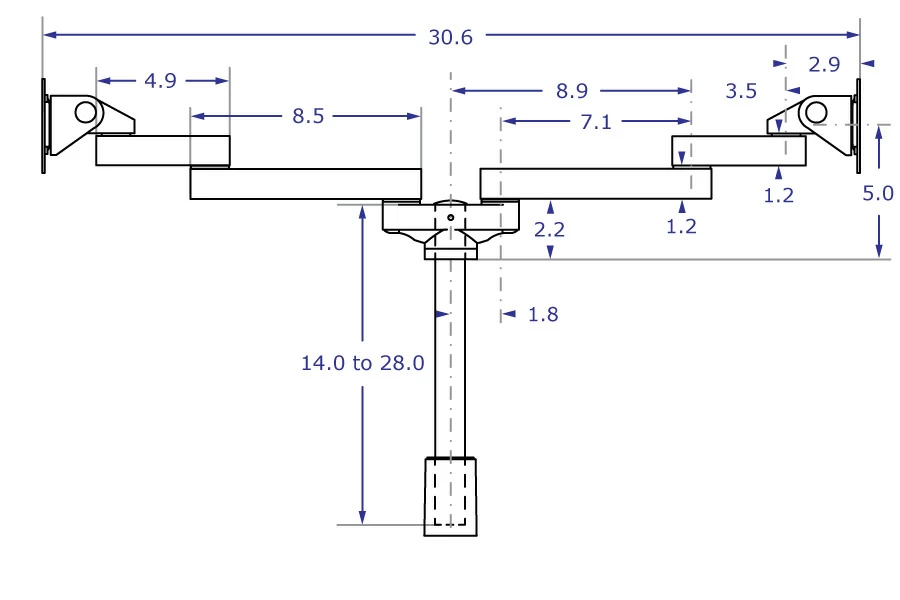
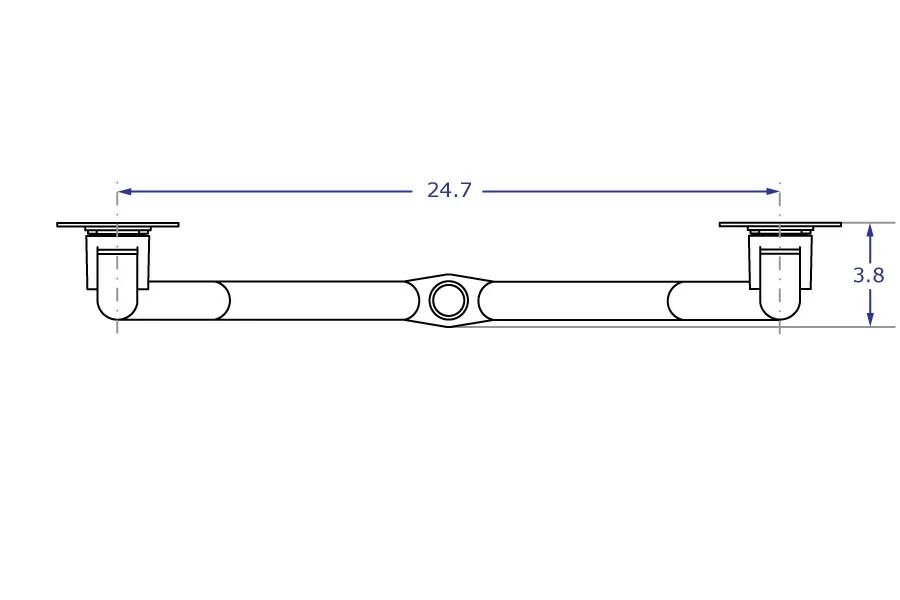
The maximum monitor width is 24.7 inches, the maximum height depends on the size pole you choose.
Talk to an ergo expert: (888) 420-3200 or Email Us
SKU
LS1512D
Mount Two Monitors Side-by-Side with Exceptional Positioning Versatility
-
The LS1512D is a highly adaptable dual monitor mount often used as a desk-mounted stand
-
But this SERIES-118 modular mount can adapt to any workspace (industrial, commercial, medical, etc.)
-
Two extended, adjustable VESA brackets are mounted on a pole that works with all compatible mount kits
-
Installs on any horizontal or vertical surface: desk, wall (with a track or without ), cabinet, slat wall
-
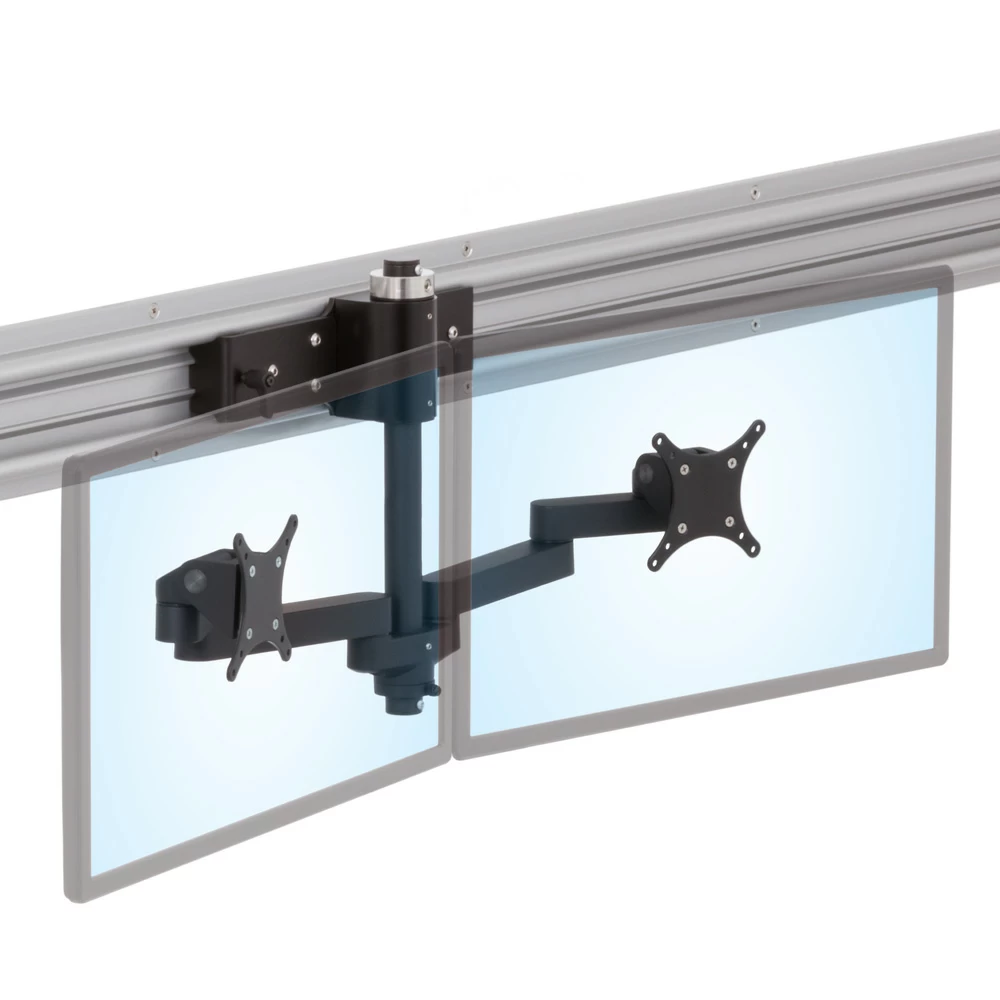
Moves horizontally along a wall using our Roller Track system
-
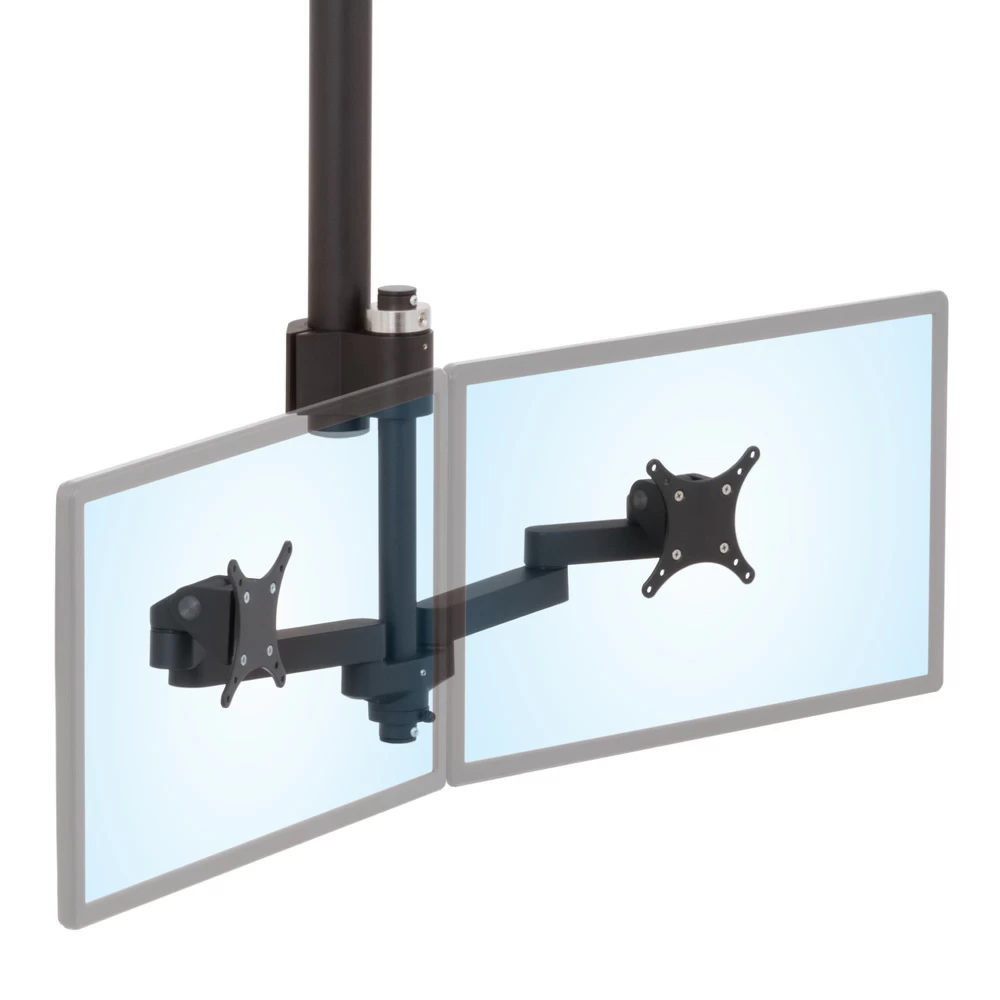
“Drops down” over an open floor with a ceiling mounted PM192 pole
-
Mounts on medical or industrial equipment using T-slot, Dovetail and OEM mounts
-
Handles two 35 lb flat screens, each measuring up to 24.7” in width
-
Instantly adjust up / down flat screen tilt
-
Instantly adjust left / right swivel
-
Easily adjust LCD monitor depth
-
VESA 75 and 100 compliant
Adjustability:
Easily position and precisely adjust the tilt (90° up and 45° down), rotation (portrait/landscape), swivel (generally limited only by monitor size and position) of your LCD monitors. This stand is ideal for multi-user environments where users’ needs vary based on their height and work positioning preferences. The LS1512D stand comes standard with 14 inch pole, but longer poles are also available.
Applications:
The LS1512D is a SERIES-118 mount, which means it works with all SERIES-118 mount kits and provides exceptional versatility for mounting.
-
Desk Mounting: Mounting this LCD could not be easier. The standard 4-in-1 mount Kit A allows stand to clamp to the back of a desk with as little as 1/4 of an inch of clearance between the desk edge and wall. Configure it to mount in an existing grommet hole or securely fasten it through a single 3/8" hole. Wall mounting capabilities are also included at no additional cost.
-
Wall Mounting: Several additional mounting options exist for Wall-Mounting, Wall-Track mounting and other environments.
-
Applications Requiring Secure Poles: In certain applications, the LS1512D pole attaches to a mount kit that has a through hole such as MKIT-M and MKIT-N for the Roller Track or MKIT-E and MKIT-J for PM192 poles. In such cases, an P118RS secure mounting pole must be used to keep the pole on the MKIT and the mounting components on the pole.
-
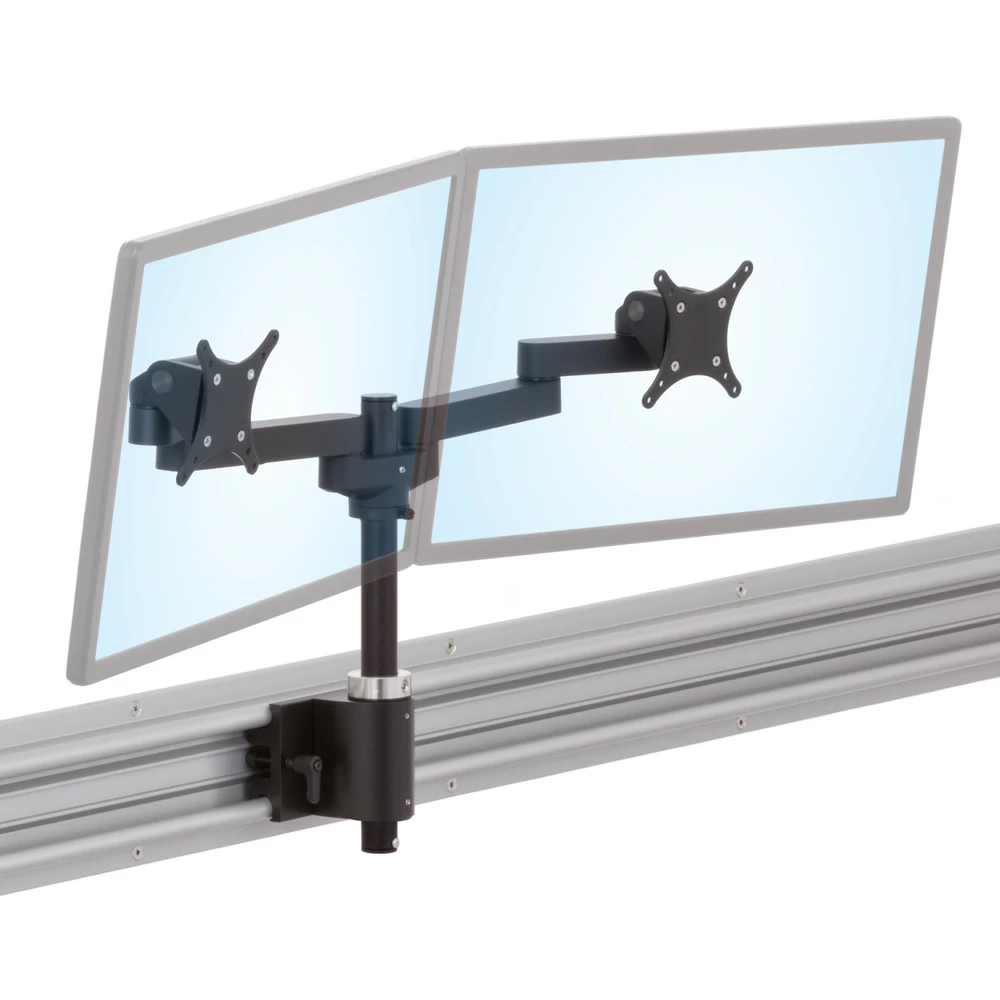
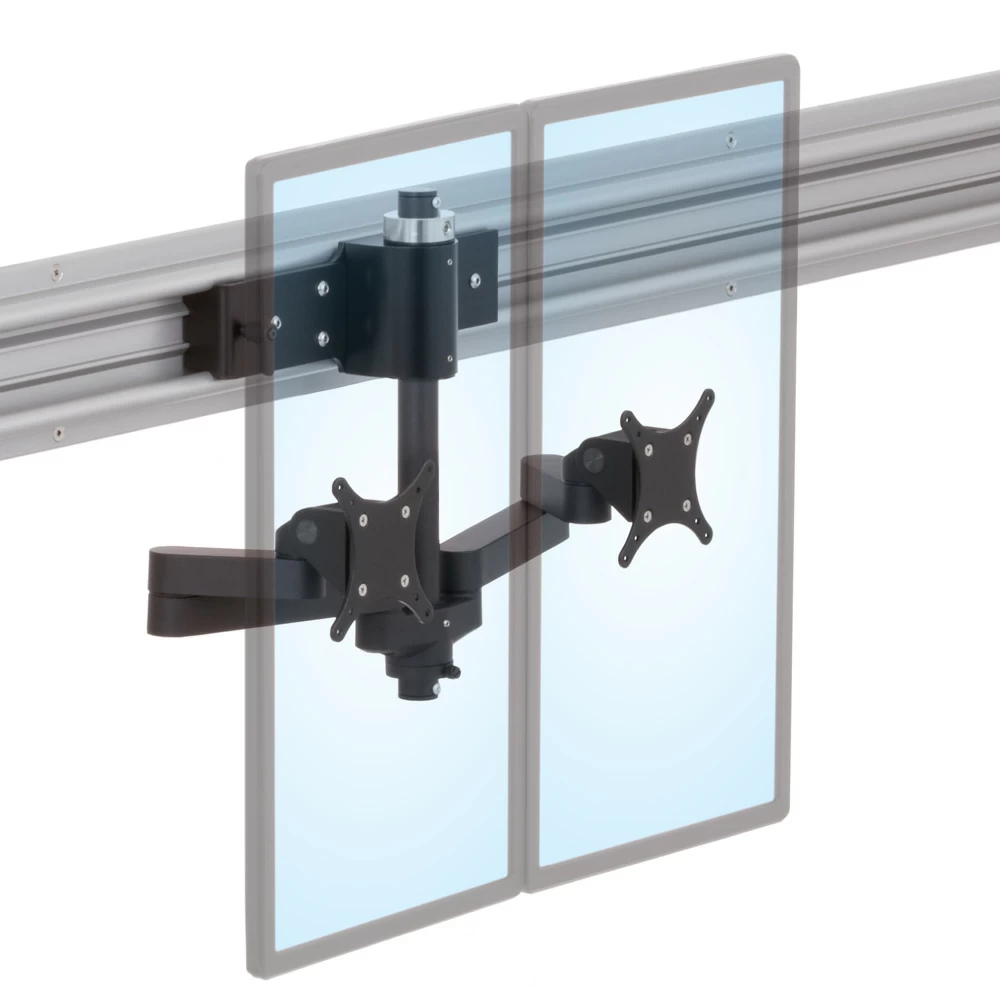
Roller Track: LS1512D mount works well with Roller Track Sliding Horizontal Mount System, regardless of whether the track is mounted low, at eye level, or overhead. In the latter scenario, the LS1512D mounting pole can be secured to MKIT-M or MKIT-N so that it extends downwards, thus bringing the monitors to eye level.
-
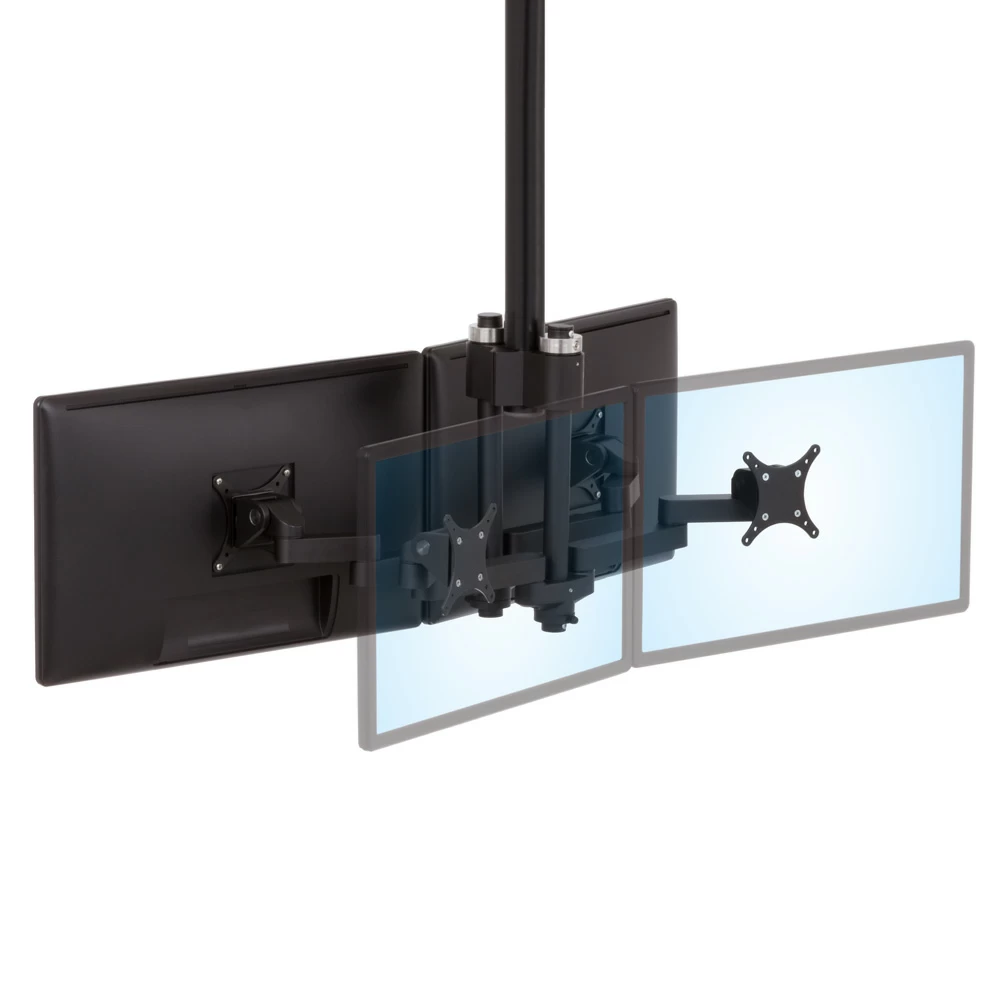
“Drop-down” Poles: The LS1512D can be used in combination with a ceiling-mounted existing pole or an Ergomart PM192 pole equipped with an MKIT-E to allow monitors to reach down from the ceiling over an open floor space. Two dual monitor mounts can be mounted back to back using MKIT-J.
Additional Mounting:
Optional mounts are also available. Interested in purchasing the Cube or Slatwall mounts? Just give us a call: 888 420 3200 or 214 742 6066.
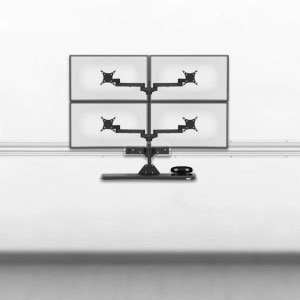
This mount can be expanded fit four monitors, with two monitors mounted over two. Check out the LS1512Q Quad Monitor Stand.
| Shipping Weight | 16 pounds |
| Shipping Dimensions | 32" x 13" x 6" |
| Warranty | 5 Year limited |
MORE THAN 20 MOUNT OPTIONS
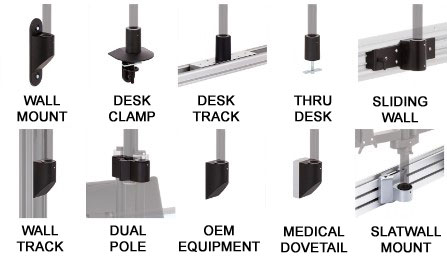
INTEGRATES WITH FOUR SYSTEMS
SERIES-118
VIEW ALL SIMILAR MOUNTING DEVICES
MOUNT KITS
VIEW COMPATIBLE INSTALLATION OPTIONS
EXPLORE
RECENT CUSTOM PROJECTS
LEARN
READ THE SERIES-118 REFERENCE GUIDE
CONSULT
[email protected] | 888 420 3200
|
LS1512D Dual Monitor Arm - Side View
LS1512D Dual Monitor Arm - Top View
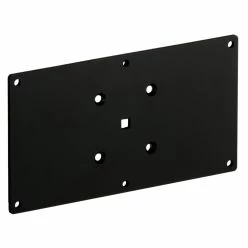
100x200mm Flat VESA Plate with Hardware
V12
The 100 x 200 mm VESA adaptor is compatible with certain larger monitors. It is used to attach the monitor to an Ergomart tilter head, present in all SAA, SA, and LS arms and mounts. If your monitor has a recessed VESA attachment point, you may also need an Ergomart VESA spacer kit, available below in the accessories tab.
QTY:
$18.36
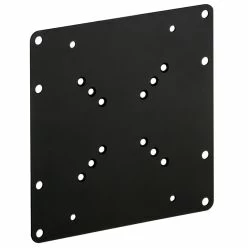
200x200mm Flat VESA Plate with Hardware
This large VESA bracket is intended for mounting a monitor or TV with a 200x200 mm, 100x200 mm, or 120x180 mm hole pattern. The central hole patterns are 50x50 mm, 75x75 mm, and 100x100 mm, enabling this bracket to attach to the mounting location (e.g. an Ergomart Tilter Head or a Pole Clamp Mount) using a VESA 75/100 adaptor.
QTY:
$32.28
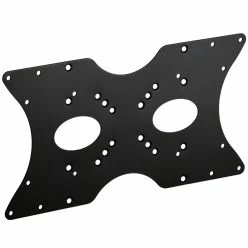
200x400mm Flat VESA Plate with Hardware
The large 200x400 mm VESA adaptor plate supports 50 mm, 75 mm, 100 mm and 200 mm square patterns, as well as 100x200 mm, 120x180 mm, 200x300 mm and 200x400 mm rectangular patterns. In some cases an additional 75 or 100 mm VESA adaptor is needed to interface the 200 x 400 mm VESA plate to the mounting location.
QTY:
$27.56
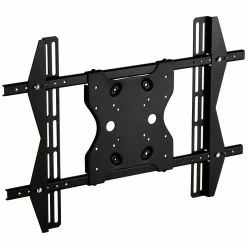
Heavy-Duty Mount Adapter Plate 100x300 to 400x600mm
The extra large MSU4X6 VESA adaptor bracket attaches to a wide range of VESA patterns from 100x300 mm up to 400x600 mm. The hole patterns on the central plate allow it to be mounted to tilter heads or wall mounts, often using an additional smaller VESA plate (e.g., 75 mm, 90 mm, 100 mm, 200 mm or 100x200 mm) in between.
QTY:
$71.66
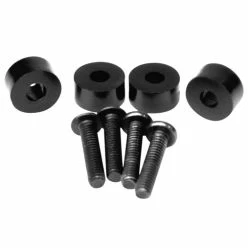
VESA 1/4-inch Spacer Kit
This VESA 1/4-Inch Spacer Kit allows monitors with VESA hole locations that are recessed by 1/4" or less to be attached to an Ergomart VESA plate.
QTY:
$2.10
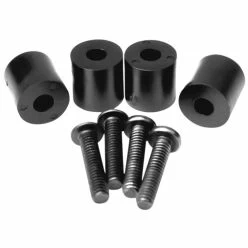
VESA 1/2-inch Spacer Kit
This VESA 1/2-Inch Spacer Kit allows monitors with VESA hole locations that are recessed by 1/2" or less to be attached to an Ergomart VESA plate.
QTY:
$3.15
-
What is the maximum monitor size I can use with this?
-
If I have 2 monitors of different sizes, is there a way to adjust their height individually?
This particular mount is not designed for individually adjusting the heights of monitors. For that kind of adjustability, consider the SA2A.

More Products You Might Find Interesting
-
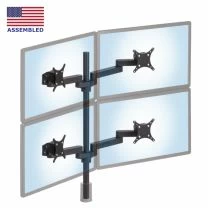 MODULAR SERIES-118 LS1512Q Quad Monitor Stand
From $626.14
-
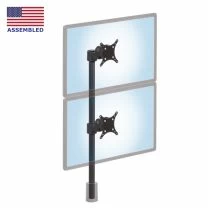 MODULAR SERIES-118 LS413D Dual Monitor Mount
From $237.21
-
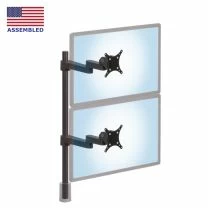 MODULAR SERIES-118 LS9137D Adjustable Dual Monitor Stand
From $301.22