Talk to an ergo expert: (888) 420-3200 or Email Us

MONITOR ARMS FOR LCD AND LED SCREENS
COMPACT, FLEXIBLE AND EASILY ADJUSTABLE MONITOR ARMS FOR LCD AND LED SCREENS
From compact to heavy duty to long reach solutions, Ergomart's lineup of monitor arms meet the needs of virtually every requirement in the modern computer workstation environment. Most of our arms offer exceptional monitor tilt, swivel, and portrait/landscape rotation capability to monitors with a broad weight range. The exceptional modularity of our systems and the available mounting accessories mean that our monitor arms are ready to be mounted virtually anywhere: desk, wall, floor mounted stands, rolling computer carts, heavy duty horizontal and vertical wall track systems, to name a few. Have a special mounting application? We are interested in hearing from you, give us a call - we can probably help.
-
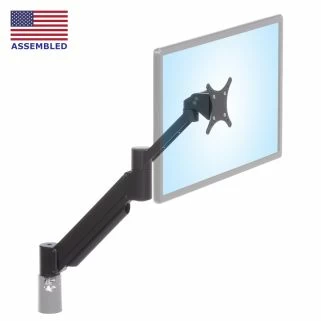 MODULAR SERIES-118
 SAA2045 Adjustable Monitor Arm
SAA2045KITFrom $256.19
Big vertical reach from a compact arm- 16" vertical range and folds to compact 3.8"
- Suitable for LED and LCD monitors up to 27"
- Landscape/portrait,wire manager,+90°/-45° tilt
-
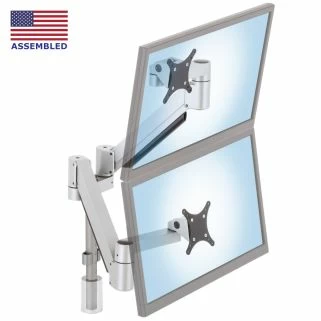 MODULAR SERIES-118
 SA2A Dual Arm Monitor Mount
SA2AFrom $466.32
Two computer monitor articulating arm system- Arms provide 16" of vertical travel - 23" of reach
- Handles computer monitors from 5 to 28 lb
- Landscape/portrait, swivel, tilt, cable managers
-
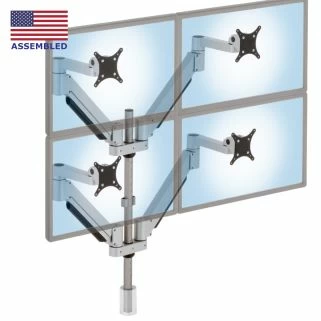 MODULAR SERIES-118
 SA4A Quad Monitor Stand
SA4AFrom $927.65
Quad computer monitor arm mounting system- 16" of vertical travel - 23" of lateral adjustment
- Effortlessly position four monitors up to 23 lb
- Vertical/horizontal, swivel, tilt on included 28" pole
-
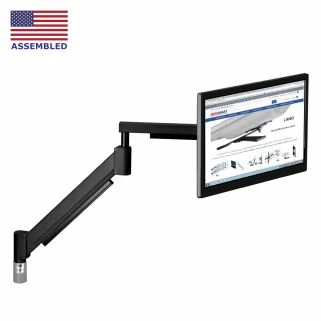 MODULAR SERIES-118
 SAA4229 Extra Long Monitor Arm
SAA4229KITFrom $833.36
Long reach and vertical travel for heavy LCDs- 28.5" vertical range and big 43.3" lateral reach
- Designed to handle computer monitors to 35 lb
- Screen rotation, wire managers, articulating
-
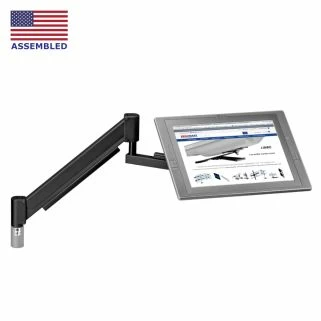 MODULAR SERIES-118
 SAA4229R Long Reach Articulating Monitor Arm
SAA4229RKITFrom $923.30
Long reach and vertical travel for heavy LCDs- 28" vertical range with big 44" lateral reach
- Position large touchscreen resting on tabletop
- Lean big touchscreens back for drawing and art
-
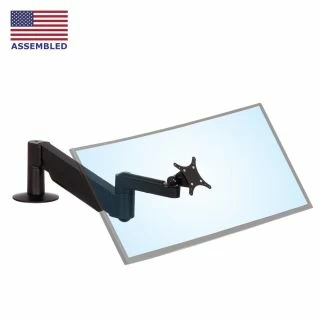 MODULAR SERIES-118
 SAA2718 Premium Monitor Arm
SAA2718KITFrom $308.08
Extended reach arm for big computer monitors- Up to 18" vertical travel and reaches out 25.9"
- High capacity arm for monitors up to 38 lb
- Landscape/portrait,wire manager,+90°/-45° tilt
-
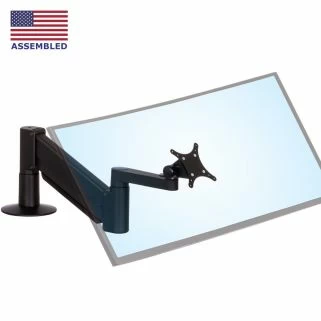 MODULAR SERIES-118
 SAA2415 Heavy-Duty Monitor Arm
SAA2415KITFrom $434.55
Tough, ultra-flexible, US made heavy-duty arm- Vertical travel: 15" - Horizontal reach: 22.6"
- Floats large, heavy monitors, TVs up to 55 lb
- Superior and smooth tilting of heavy monitors
-
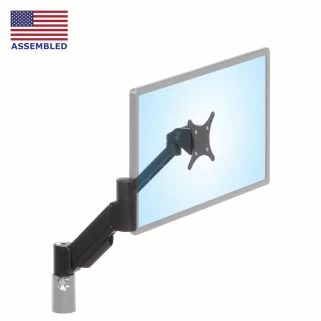 MODULAR SERIES-118
 SAA179 Ergonomic Monitor Arm
SAA179KITFrom $256.19
Ultra-compact height adjustable arm - popular- Compact yet has 16.9" reach, 9.5" vertical travel
- Handles 30" monitors, folds to 3.9" depth
- Landscape/portrait,+90°/-45° tilt
-
 MODULAR SERIES-118
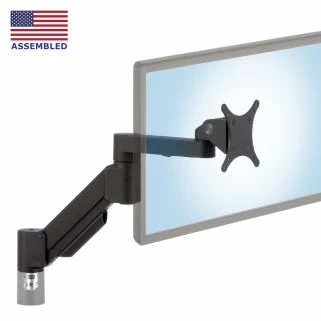
 SAA2010 Compact Monitor Arm
SAA2010KITFrom $216.10
Compact, space-saving and flexible- Vertical range of 9.6" - extends up to 18.6"
- For VESA monitors weighing 4 to 34 lb
- Landscape/portrait - tilts 90° up and 45° down
-
 MODULAR SERIES-118
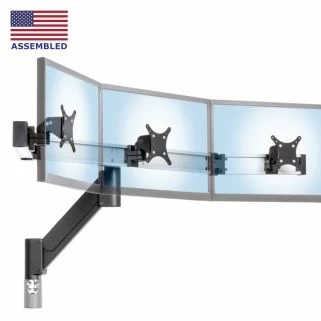
 CMT2415 Triple Monitor Arm
CMT2415KITFrom $931.83
Sturdy beam mounted triple monitor arm- For 3 computer monitors: flat or arc formation
- Works for monitors up to 22 lb and 27" wide
- Instant 15" vertical travel with 20.1" reach
-
 MODULAR SERIES-118
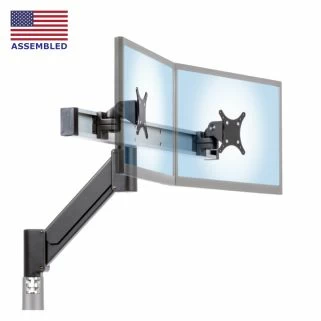
 CMD2415 Dual Monitor Mount
CMD2415KITFrom $776.74
Highly adjustable arm for dual screens- Easily position two monitors 10-35 lbs each
- Place monitors up to 28.5" wide along beam
- Base, beam and tilter heads all rotate 360°
-
 MODULAR SERIES-118
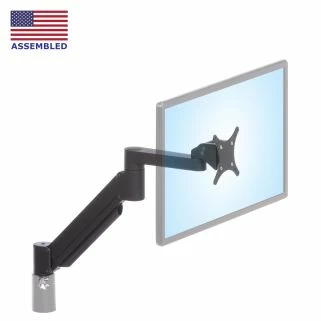
 SAA7000 Articulating Monitor Mount
SAA7000KITFrom $212.63
Well-rounded balance of features and price- 16" vertical travel and 22.9" lateral float
- For computer monitors between 5 to 28 pounds
- Landscape/portrait,wire manager,+90°/-45° tilt
-
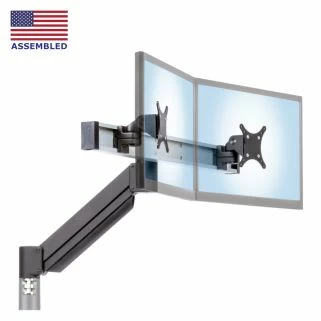 MODULAR SERIES-118
 CMD2018 Dual Monitor Arm
CMD2018KITFrom $621.31
Heavy-duty, floating height dual monitor arm- Quick adjustment, affordable dual monitor arm
- Monitors independently tilt, swivel, rotate
- For monitors to 28.5" and up to 12 pounds
-
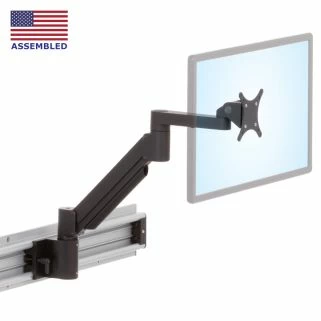 COMPLETE KIT
 Roller Track Monitor Arm on Sliding/Movable Wall Mount
RT-EZ2From $394.19
Easily re-position monitor arm along Roller Track- Bearing-mount for frequent moves and heavy loads
- Repositioner for less frequent lateral adjustments
- Tilt, pan, rotate and 14” lift for monitors up to 55 lb
-
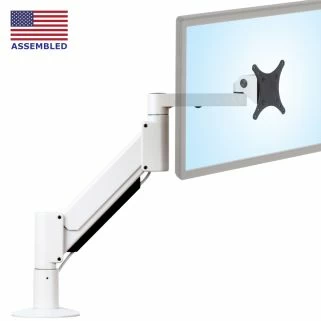
SAA2415 (Light Gray) Monitor Arm closeout sale
IMAC-SAA2415$0.00Arms for aluminum and gray monitors on sale- 14.5" vertical, 22" horizontal reach - to 35 lbs.
- Special light gray powder coat complements the aluminum finishes used on Apple products.
-
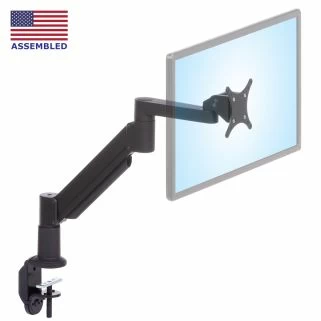
7000LT EQUIPMENT & DISPLAY ARM - MULTI-USE
SAA7000LT$201.14Economical arms for desk or wall mounting- Up to 16" vertical, 23" lateral reach for 16 lb
- All in one: desk-clamp, thru-desk, wall mount
-
 SHIPS FREE
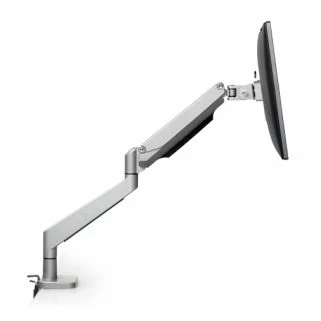
 Envoy™ Affordable Articulating Monitor Arm
ENVOY-S$184.58Desk-mounted height adjustable monitor arm- Desk edge clamp or through-desk bolt mount
- Over 13" of one-touch height adjustment
- Tilt, swivel and rotate the attached monitor
-
 SHIPS FREE
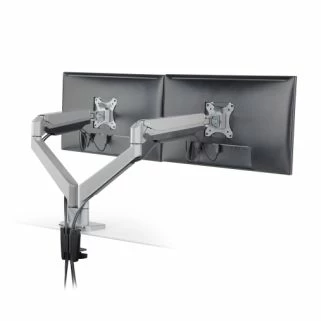
 Dual Envoy™ Desk Mounted Dual Monitor Arm
ENVOY-D$353.29Dual arm monitor mount with max adjustability- Affordable yet exceptionally flexible arms
- Supports two VESA monitors 2.2 - 19.8 lb each
- Over 13" of independent vertical range per arm

Discover Your Perfect Custom Solution
At Ergomart, our expertise lies in designing modular components to meet your specific goals, whether simply using off-the-shelf parts or through customizations necessary to realize an optimal outcome. From concept to installation, we engineer solutions that meet your unique challenges.
We have a decades-long history of assisting a diverse array of industries solve ergonomic challenges inherent within modern digital work environments. Our gallery of select custom projects showcases the breadth of our custom work, from fully custom systems to innovative adaptations sourced from our modular product catalog.
Each project in our gallery started with a conversation about the requirements. Contact us to discuss how we can build a tailored solution.
Explore Custom Project Gallery